Markup


Markup renders formatted content and does nothing else. It's the block you reach for when a form has something to say rather than something to ask: an introduction, a standing warning, a summary of what's about to happen. It collects nothing - the selection cursor skips it, it never appears in the answers, it's absent from headless collection, and it's absent from the machine-readable schemas, so an agent is never asked to provide one.
$p->markup('Every crate is weighed at the packing bench.');
The title and body take the same {{field}} templating derived values use, so markup can reflect earlier answers, and ->when() gates it on one.
Runnable scripts: playground/02-markup.php and playground/02-markup-table.php.
Three presentations, one block
How markup is laid out on the page is a presentation choice rather than a capability, so prose, a bordered card and a table are the same block drawn three ways. A table isn't a block of its own: it's markup laid out as a table.
// Prose: bare lines in the flow of the form.
$p->markup('Every crate is weighed at the packing bench.');

// The same block in a bordered card.
$p->markup('Deliveries leave at dawn.')->border();

// The same block again, laid out as a grid under a title.
$p->markup('', 'Yields per crate')
  ->table(['Produce', 'Crates'], [['Apple', '12'], ['Carrot', '8']]);
A card and a grid both go to the theme's card renderer - the same one behind card() on the output primitive, since a grid here is a card with a grid in it - so restyling a standalone card restyles an in-form one with it.
Builder surface
| Method | Effect |
|---|---|
markup(id, body, title) | Declares the block. The body is the content; newlines separate lines. |
note(id, title) | The same block written title first, for the shape of a card. |
->body(text) | Sets the content. |
->title(text) | Sets the title drawn above the body. |
->border() | Frames it in the theme's box with minimal padding. |
->table(headers, rows) | Lays an aligned grid beneath the body. |
->when(condition) | Puts it on the form only when an earlier answer calls for it. |
note() is sugar for the common shape of a card, where the title is what you write first:
$p->note('Fresh produce order')
  ->body('A read-only card - the cursor skips it.');

$p->text('Produce name')->default('Pear');

// The body reflects the earlier answer; ->border() frames the card.
$p->note('Ready to pack')
  ->body('Packing {{produce_name}} into the basket.')
  ->border();
Both titles are optional: markup with an empty title draws its body alone.
Tables
->table(headers, rows) draws an aligned, bordered grid beneath the title and body.
$p->note('Basket contents')
  ->body('Everything picked so far:')
  ->table(['Fruit', 'Color', 'In stock'], [
    ['Apple', 'Red', '12'],
    ['Pear', 'Green', '5'],
    ['Plum', 'Purple', '120'],
  ]);
| Argument | Effect |
|---|---|
headers | The header cells. An empty list ([]) draws the grid with no header row. |
rows | The body rows, each a list of cells. A short row pads with empty cells; a long one widens the grid. |
Each column sizes to its widest cell, and the whole grid is capped at the frame width - an over-wide table shrinks its widest columns and truncates the clipped cells with an ellipsis, so its borders always stay whole. Cells are coerced to strings, so numbers and booleans need no pre-formatting, and any line breaks in a cell fold to a space so it stays a single row. The cells carry the same {{field}} templating the title and body do, so a grid can reflect earlier answers.


Markdown
A body can carry a [text](url) link, and when the enclosing TUI is configured with ->markdown() it also renders bold, emphasis, inline code and bullet lists - all degrading to clean plain text where the terminal can't show them.
$p->note('Fresh produce order')
  ->body('Pick what is **ripe** today:' . PHP_EOL . '- crisp `apples`' . PHP_EOL . '- sweet *pears*')
  ->border();
Appearing on an answer
Markup claims Depend like any other block, which is what lets a standing warning appear only when an answer calls for it - so a warning needs no block of its own:
$p->markup('Organic crates need current certification.')
  ->when(new Condition('organic', eq: TRUE));
Keyboard
Markup is non-interactive: the selection cursor skips over it, so it has no keys of its own.
Display modes
In all four display modes - Unicode or ASCII, color on or off:
| ANSI | No ANSI | |
| Unicode | 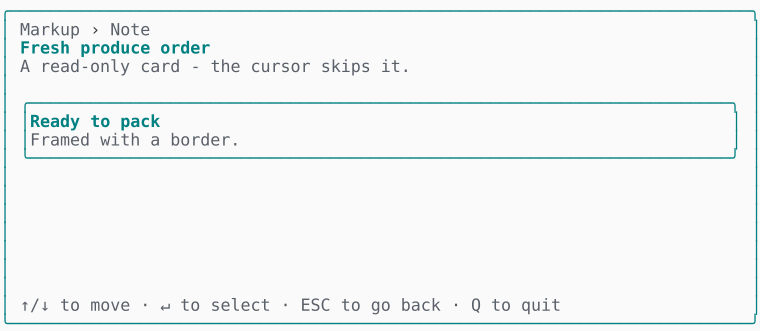 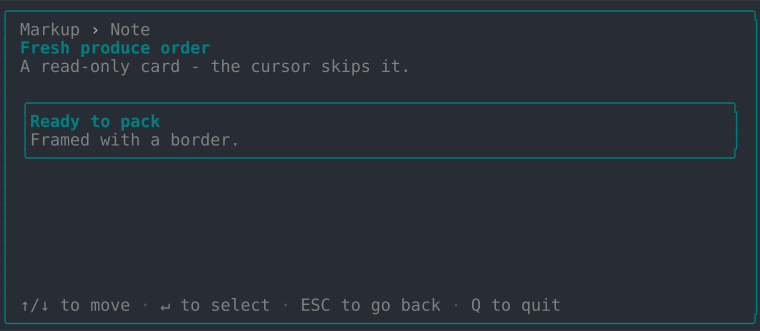 | 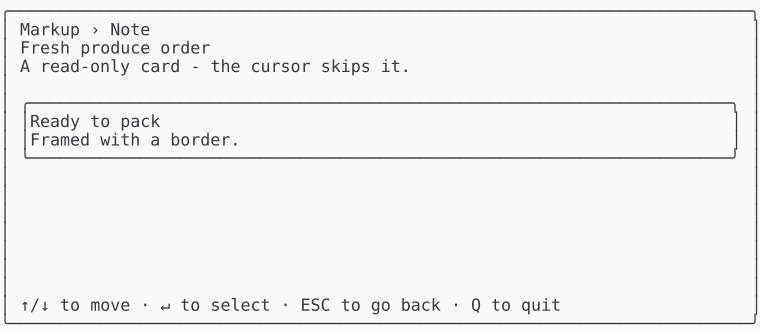 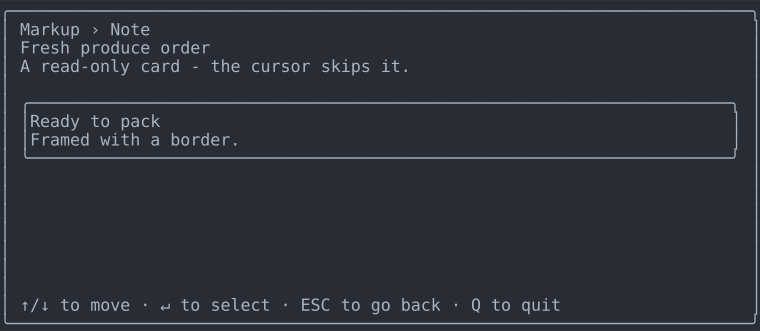 |
| ASCII | 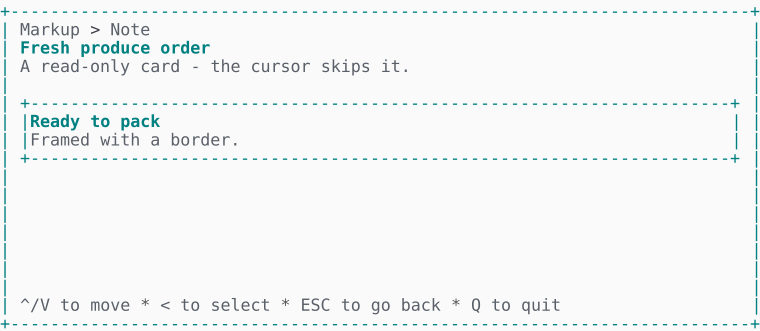 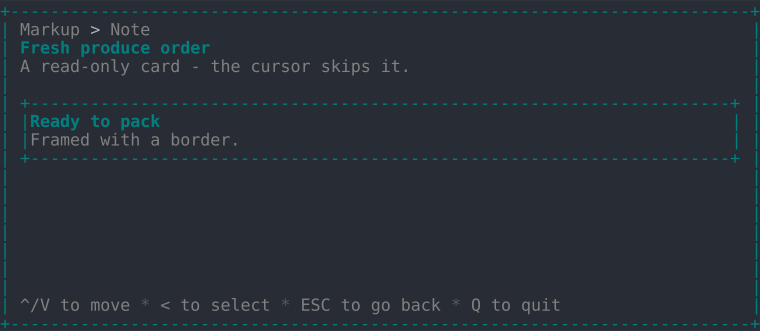 | 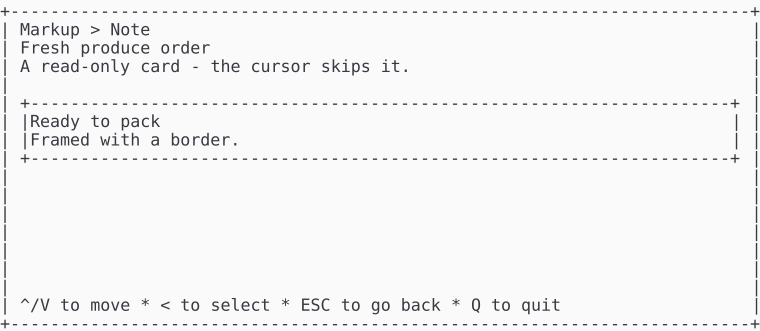 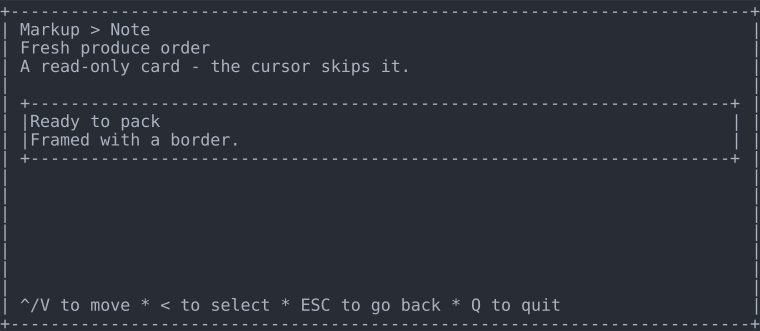 |
The same four, laid out as a table:
| ANSI | No ANSI | |
| Unicode | 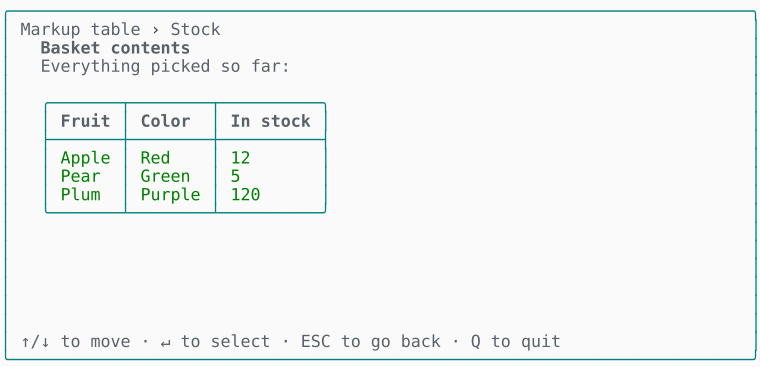 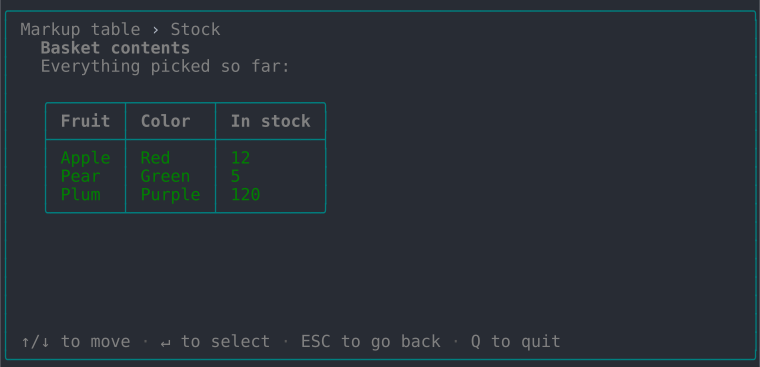 | 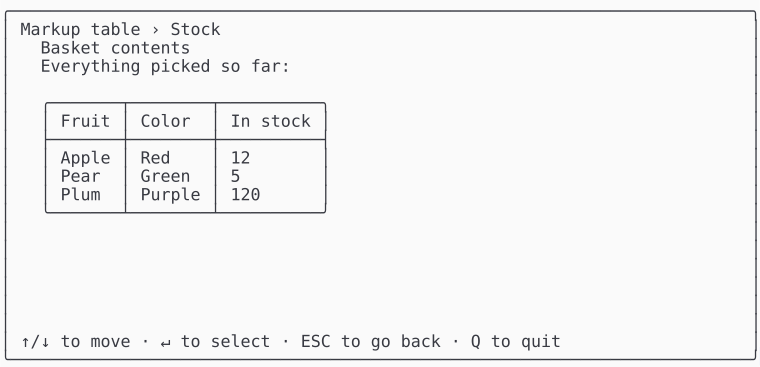 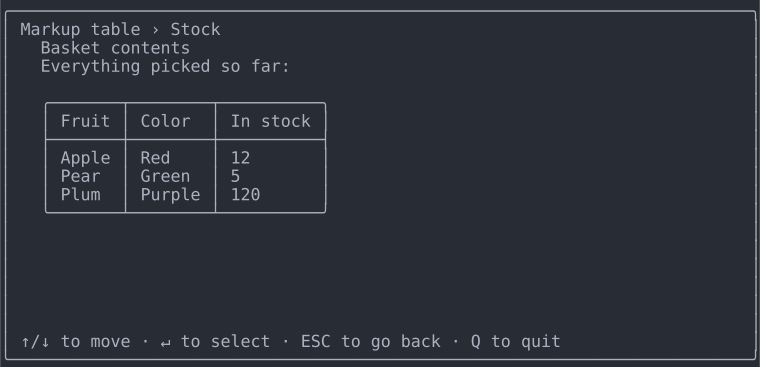 |
| ASCII | 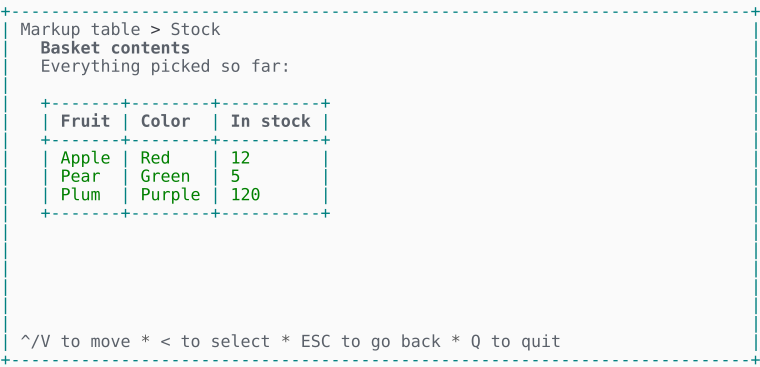 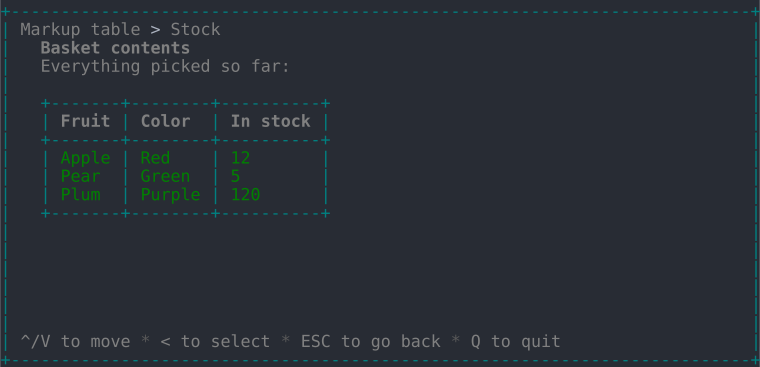 | 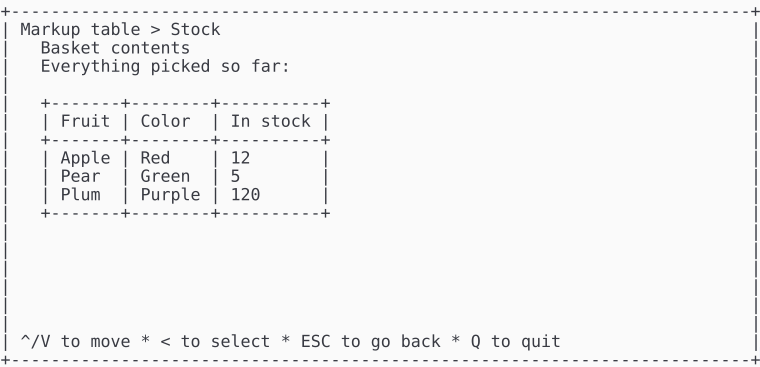 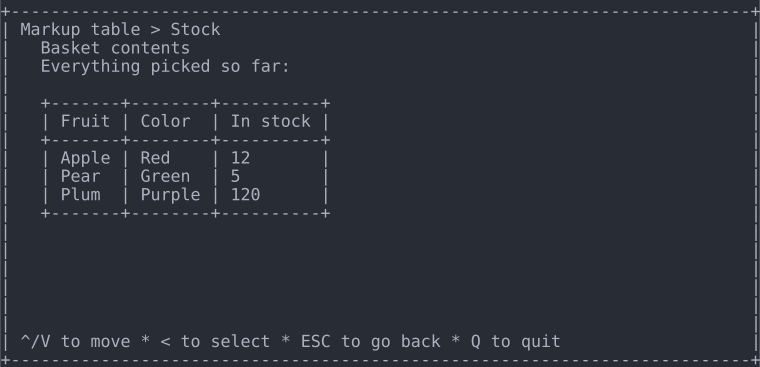 |