Password
Text input rendered as a mask - in the editor, on the panel row and in the summary; the accepted value stays plain for the consumer.
$p->password('api_key', 'API key');
Two opt-in options, both off by default so the behaviour above is unchanged:
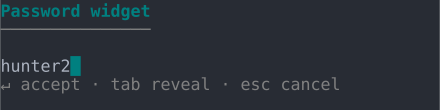
revealable()adds a reveal toggle. Press Tab in the editor to cycle the display between hidden (nothing shown), masked and plaintext. This only changes what is drawn - the stored value is never affected, and the panel row and summary stay masked.confirm()prompts for the value a second time and rejects a mismatch with a clear message before accepting.
$p->password('api_key', 'API key')->revealable()->confirm();
| ANSI | No ANSI | |
| Unicode | 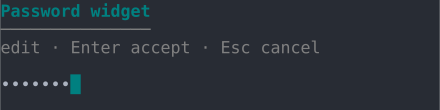 | 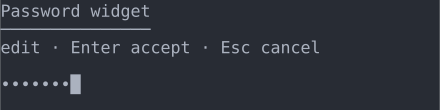 |
| ASCII | 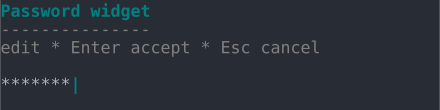 | 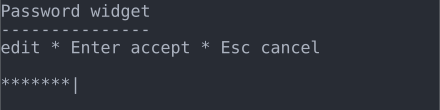 |
With revealable() on, pressing Tab in the editor reveals the value and the hint
line shows the toggle: